





























.avif)

.avif)
.avif)

























Get a guide to creating pitch decks presentation



.png)

Key Takeaways
Without a sales presentation that holds attention, you're likely to lose the room in five minutes or less. According to a study by Gartner, only 17% of a buyer's time is spent meeting with suppliers in B2B sales. That's a narrow window.
No matter how strong your product is, you can inadvertently undermine the selling process by presenting too much information, over-explaining, or spending too much time on your own company history.
Instead, think of a successful sales presentation as an opportunity to consult with buyers and confirm the fit. This guide will show you how to structure your next sales deck because a clear, well-paced presentation is one of the most reliable ways to move a deal forward. Here's how...
A sales presentation is a structured dialogue between a business and prospects. The 2-way conversation is supported by slides, examples, and data. The goal? To help buyers understand their problem, evaluate your solution, and confidently decide what to do next.
Guide a productive conversation by:
Are you familiar with the term "elevator pitch"? It asks sales professionals to imagine they only have the length of an elevator ride to create interest in their proposal — between 30 and 60 seconds.
A sales pitch isn't that short, but it's much shorter than a sales presentation. Here's how to decide which one your situation calls for:
If your message starts to wander, attention drifts quickly. Once it's gone, it's often gone for good — the exact opposite of your goal. Keep the prospective customers focused on your solution with a clear, well-organized structure. Ideas are easy to process, there's no information overload, and buyers stay engaged throughout.
Good pacing means:
Studies show that buyers are increasingly completing up to 67% of their decision-making process digitally and independently.
Customers arrive more informed than ever. Your job in a sales presentation usually isn't to educate them from scratch. Instead, you'll aim to:
An effective sales pitch or sales presentation outline always begins with knowing who's in the room (or on the other end of the laptop).
Book a quick discovery call to learn as much as possible about your prospects, such as:
If you can gather all this, you'll have a clear picture of the buyer's situation, so you can address it directly.
Focus solely on the prospect's 3 to 5 main pain points. Anything that doesn't further that discussion should be cut.
While up to 67% of buyers are considered late-stage because they've already done significant research, 67% isn't 100%. Determine where they are in the sales cycle: early research stage or later-stage. If it's early, you'll need to educate.
Late-stage buyers don't need you to reiterate information they already have. They want to see your clear value and understand the next steps. Buyers who've already done the research and agreed to a meeting signal genuine interest in your product.
Structure sets a clear path from the get-go. A logical order improves understanding, builds credibility, and maintains momentum. Here are some frameworks that work consistently:
This simple framework works across industries. It mirrors how buyers think by presenting things clearly through:
Slides should:
Your buying audience has limited time and limited capacity to retain detail. Your sales presentation needs to focus on 3 central ideas. If you try to include more than that, it will likely backfire. Too much information at once reduces focus and, eventually, interest.
Writer's block is a real thing, even with sales presentation materials. By having the main slides defined already, you can get to work right away.
Lead with a relevant outcome or stat, not your company history.

See the complete Suraya sales presentation.
Demonstrate that you understand the buyer’s problem; show empathy.
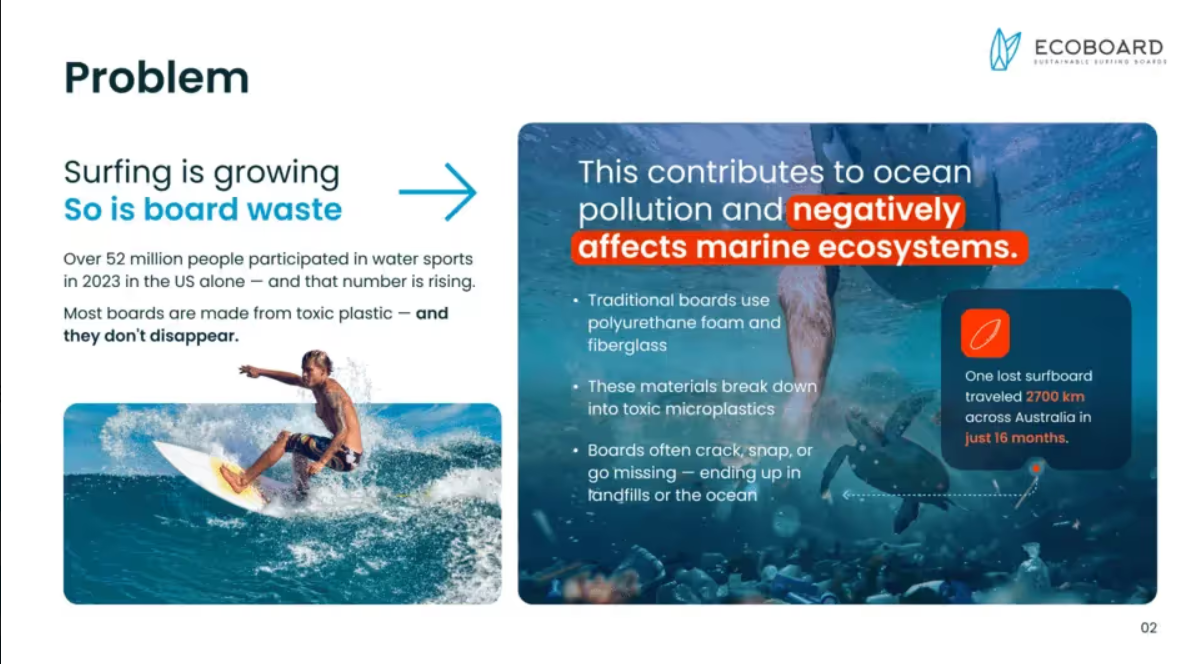
See the complete Ecoboard sales deck.
Position your offering as the answer, not a feature list.
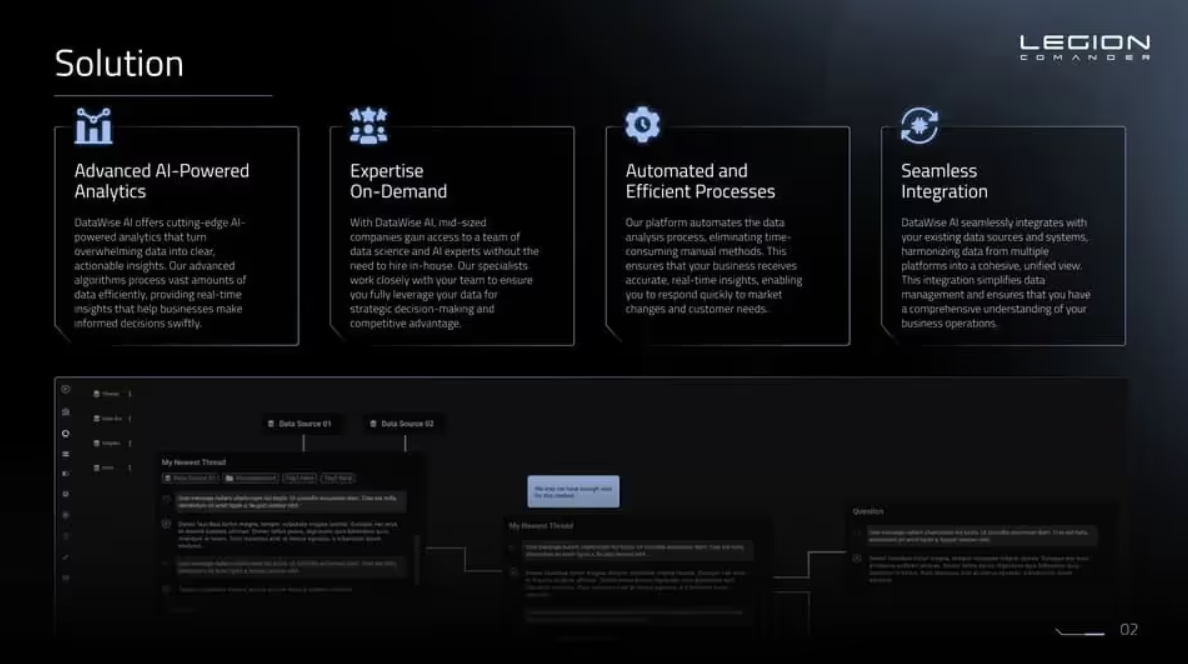
See the complete Legion Commander sales pitch.
Highlight clear benefits and differentiation.
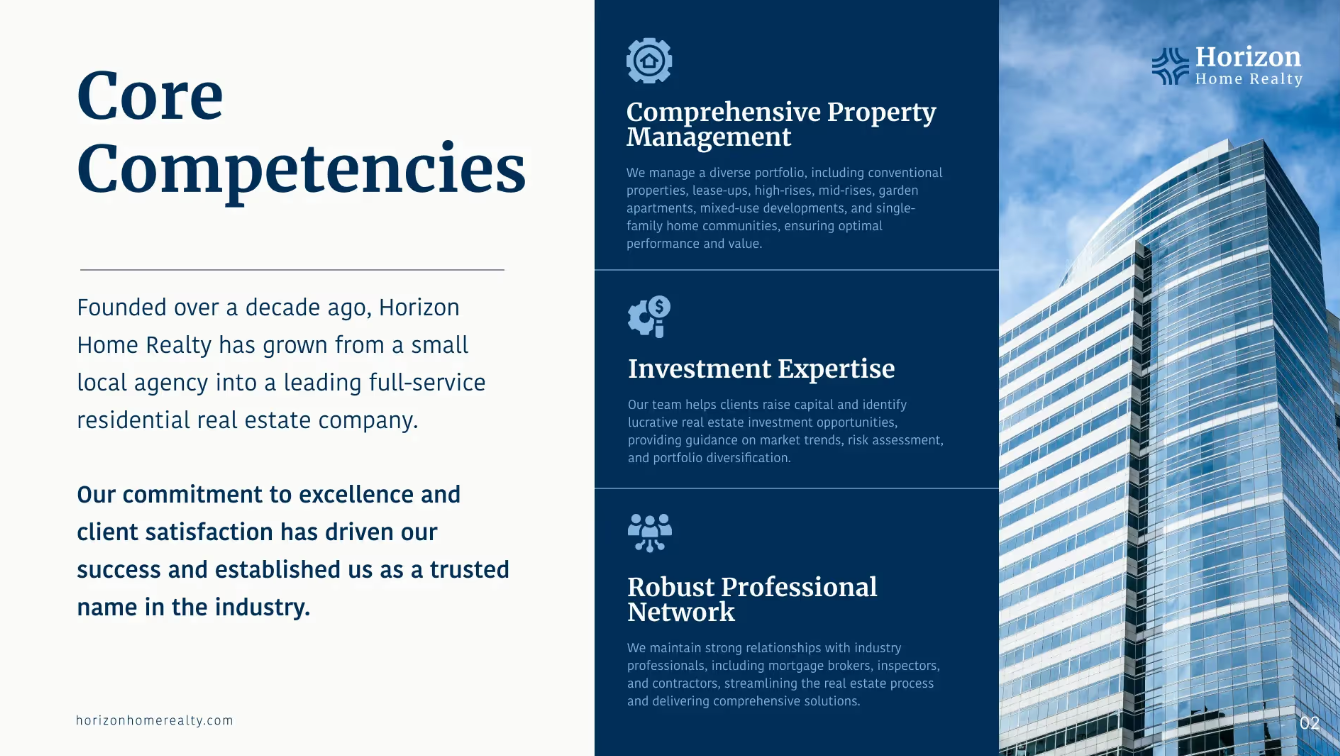
See the complete Horizon Home Realty sales presentation.
Use case studies, testimonials, metrics, and industry data. You’ll get your point across while building credibility.
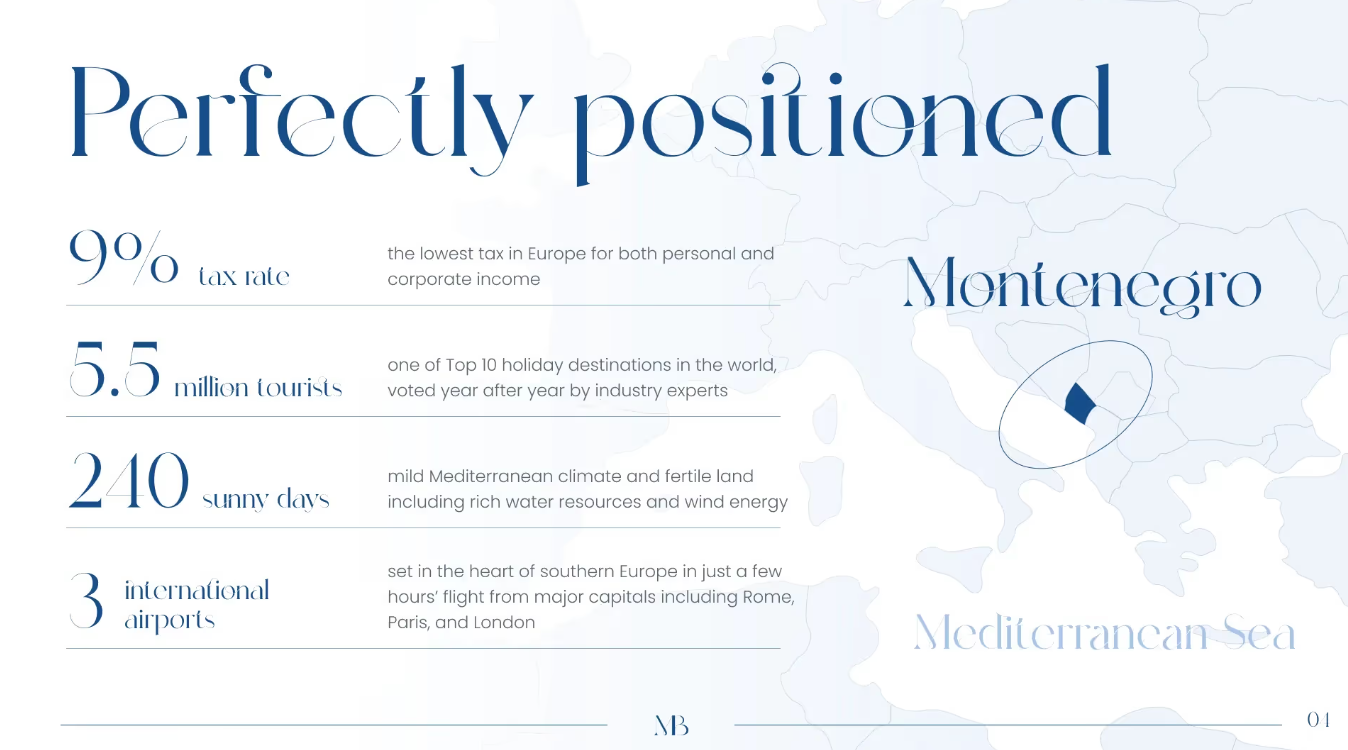
See the complete Marine Bay sales presentation.
Be transparent. Uncertainty kills deals quickly.
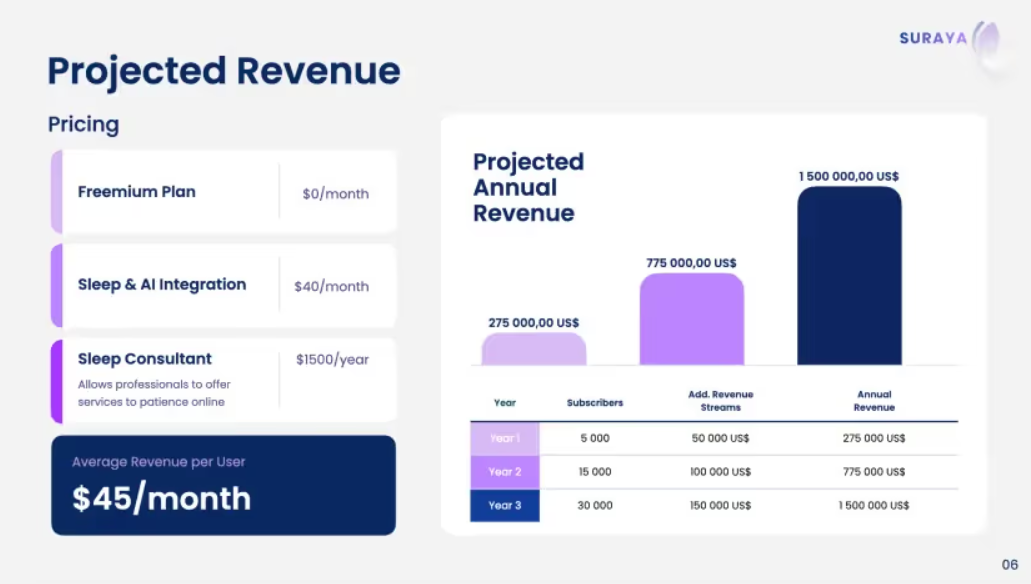
End your sales presentation simply with clear next steps and a low-risk action.
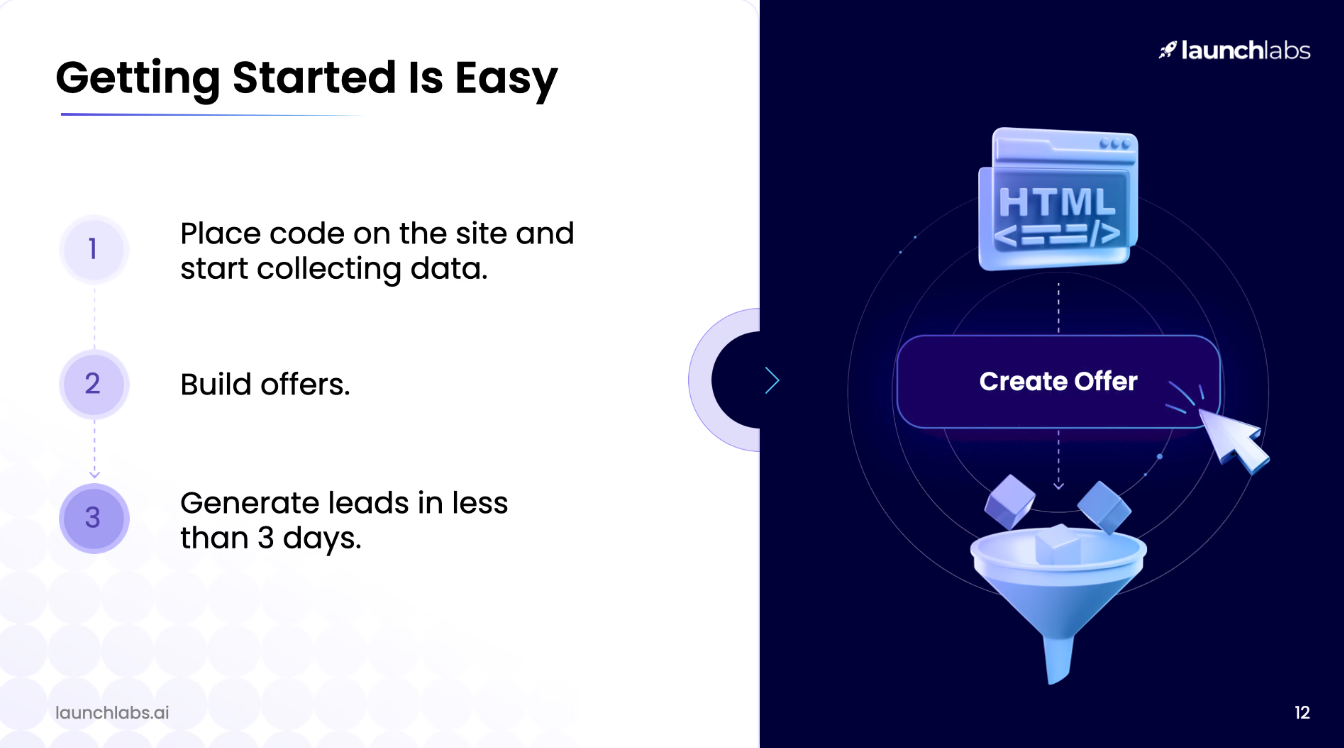
See the complete Launch Labs sales deck.
This 12-slide sales presentation example has a structure that works for most B2B sales. At 3 minutes or fewer per slide, all you need is a time slot of about half an hour.
Generic presentations don't win deals. A personal touch is what separates a presentation that resonates from one that's quickly forgotten.
A survey by McKinsey & Company found that 88% of businesses are using AI in at least one area. Applied to sales preparation, AI can help you analyze:
This removes much of the guesswork and supports tailored, buyer-centric messaging.
General examples won't resonate the way relevant ones do. Make sure any data or scenarios have a clear link to your buyer — whether that's facts from their industry or examples of similar companies. Results should always be recent and relevant.
When you know the makeup of your audience — which you'll have gathered from the discovery call — you can tailor your approach. For example:
And if your audience contains all 3 groups, with a well-thought-out structure, you can cover all angles without the deck feeling unfocused.
The information you present is critical, but the visual presentation matters too. These principles keep your sales deck clear and the audience focused:
For your sales presentation to be effective, it needs to tell a story — and when that story is well-crafted and buyer-appropriate, you'll find that audiences understand more, remember more, and are better placed to make confident decisions.
Here are the main storytelling principles to follow:
Make them the hero and offer your solution as a roadmap to get there.
Your own story might go: "We started in 2018... we built... we offer..." But that forces the audience to figure out why that matters to them. When you tell the buyer's story, they immediately see themselves in it.
Example: "Most HR teams lose 10 to 15 hours per hire to manual onboarding. Let's fix that."
Presented metrics should always have context for prospects to relate to and care about.
Example: "Right now, reps manually update the CRM, the analytics tool, and the sales engagement platform. That costs 6 hours per week per person. Our software combines all 3."
Ask the audience questions, and do it often. Otherwise, it will feel like a lecture. You're aiming for a collaborative dialogue.
Example: "If this saved each rep an hour a day, what would that mean for your sales team?"
We've covered the importance of slide content and presentation design, but the actual delivery matters too. When that's on you, preparation and presence go a long way.
Don't let energy drop at the end. Use the final slide to keep the conversation moving. Summarise the value you bring to the table, address any remaining objections, and confirm why your product is the right fit.
Discuss the options available beyond the current sales presentation:
Timely follow-up keeps you and your business in the buyers' minds.
Take the time to develop a template, and subsequent sales presentations will come together much faster. The template should include:
When you rely too heavily on AI tools, your slides can come across as generic. The best uses of AI are supportive:
A successful sales presentation keeps the buyer at the centre. Clarity, empathy, and relevance matter more than volume. Keep your deck simple, guide a genuine two-way conversation, and make the next step easy to take.
If you're working on a deck and want a second perspective on the content or structure, we're happy to take a look. You can see examples of how we approach sales deck design on our services page, or reach us directly at whitepage.studio/contact-us.


Aim for 20 to 30 minutes to present, followed by 15 to 20 minutes of productive discussion.
The sales presentation size should be tailored to the time you have, but typically, 10 to 15 slides work best.
In an initial meeting, focus on building trust and educating the new prospect. Crucial slides include pain points, overview, and solution. For a demo presentation, slides should explore feature-benefit mapping and real workflows. Competitor displacement meetings and renewals/upsells should focus on proof and differentiation. For a short sales pitch, all you need is a slide for the problem, solution, proof, and CTA.
Clear structure, personalisation, proof, and dialogue. The best presentations feel like a conversation, not a briefing.
After. Sending early reduces curiosity, and your audience may arrive having already made up their minds about what you'll say.


867 BOYLSTON ST
BOSTON, MA 02116


