




























.avif)

.avif)
.avif)



























Get a guide to creating pitch decks presentation



.png)

You’ve done it. You’ve created a presentation backed by strong data, original insights, and the best-looking slides. But it didn’t land. Or maybe it failed to keep the audience’s interest. The reason could be your presentation structure.
What ultimately drives impact is a structure that helps audiences buy into the story while retaining the key points. You don’t want them left wondering what to do next. Focus on a defined, organized presentation structure that has a logical order, and above all, makes the information stick, which starts with this general framework:
This guide shows you how to structure a presentation so that everyone can easily follow along and connect ideas. You’ll learn how to shape your narrative before building the first slide. Plus, we cover how to sequence ideas to reduce friction and guide the audience to your desired outcome. We accompany this with winning templates and examples to remove the guesswork.
Let’s get started turning your product or message into something clear and memorable.
Before we get into specific techniques, it helps to explain why structure has such a strong effect on how presentations land.
A strong and intentional presentation structure creates clarity, flow, and confidence. It helps the audience follow your thinking without working too hard.
When ideas are organized in logical order:
For a high-impact and successful presentation, you can’t get away with a few random presentation slides where the presenter just chats. You need more than that.
Research in learning and cognition consistently shows that structured information is significantly easier to remember. In practical terms, a clear structure can increase audience retention by up to 40% compared to unstructured content. Why? Because the brain can follow, process, and store it better. Here’s the science:
For example, Ebbinghaus’s Forgetting Curve shows that people forget most new information shortly after exposure unless it’s reinforced and meaningfully organized. Reinforcement is also useful the day after a presentation with follow-up communication to emphasize the main points, if that makes sense for your audience.
If we apply these findings to presentations, we find that:
Here’s the good news: a well-structured presentation gives the audience a mental framework. They don’t just remember slides; they remember the story, the logic, and the decision path you intentionally laid out. Ideas get stuck, and your message is strengthened.
Caution: before you open your software, there’s a bit of work to do. You first need an effective outline. Skipping the outline stage is a quick path to a jumbled and ineffective message. Put the work in at the start, and you’re guaranteed to improve the overall flow and clarity. That inevitably leads to an audience that understands and is convinced.
The best place to start is with a simple question: What should the audience do, think, or determine after this presentation?
Be specific. Securing funding, aligning stakeholders, or driving a decision are all good options. This clear purpose can then guide your subsequent content choices. All decisions will be easier because you can immediately eliminate anything that doesn’t directly serve the presentation’s purpose.
For success, an effective presentation build can’t just reflect how the presenter thinks. Instead, it needs to focus on your audience. Although no one can read minds, a little information gathering can lead you to learn what they care about and the problems they face. You also need context. Think about their current situation:
For example, imagine you’re pitching investors for Series A funding. They have back-to-back meetings, and the previous five have all been weak to say the least. The decks were overloaded with slides and jargon, and way too technical.
This is especially common with complex products. Founders often default to explaining how everything works when investors are actually listening for market opportunity, clarity of thinking, and upward momentum.
Key takeaway:
Optimize your presentation for the audience’s goals, not how you like to do things. When the structure aligns with how they evaluate decisions, your presentation stands out for all the right reasons. You’ll be rewarded with increased engagement and less resistance, and maybe a million or two.
Confusion is the enemy here. Stick to a single core idea that forms the basis of the entire presentation. Think of it this way: if you asked an audience member after the presentation to state just one thing they remember, you always want them to say your core idea. Examples include:
Know that if you can’t clearly state your main message in one sentence, adding multiple presentation slides and ideas won’t work. Now, let’s look at how to create the best outline possible.
Support your core idea with between two and four key messages to prevent information overwhelm. They should explain, justify, or reinforce the main point. We’ll call these what they are – the backbone of your presentation structure.
Not only does what you’re saying matter, but the order you present it in does, too. Use these proven structures:
There are three elements you can lean on to support your presentation: data, stories, and examples.
Data adds credibility to any claims you’re making. Storytelling and examples, on the other hand, evoke emotion, add meaning, and ultimately help with buy-in. When you can help the audience identify with the point or put themselves in a situation, your key message will be received in a much more effective way.
Great presentations set the tone early with a hook. You need something different to signal that this presentation is going to be unforgettable. Try:
We introduce ourselves when we meet, so why should a presentation be different? A brief introduction offers an audience-only sneak peek at the presentation’s content. They can mentally prepare, which helps to avoid distraction. Be clear. Tell them the subject, why it’s essential, and what they’ll walk away with – that’s it.
A winning presentation body structure has three goals:
To achieve these realistic goals, follow the 10-20-30 rule for presentation structure. That’s 10 slides, 20 minutes total (or less), and no more than 30-point font.
Why are transitions important? Regularly inform the audience what’s on deck. Otherwise, you may have distracted people on your hands, wondering how long it will take or what's next. That’s reality, and transitions help to remove this threat to understanding and engagement. They reduce mental effort and can be as simple as “Now that we’ve covered X, let’s look at Y.”
Engaging your audience is absolutely key, but it can be tricky to get in the first place and maintain throughout your presentation. Be intentional with your presentation structure and content. While engagement doesn’t necessarily mean active participation, you’re aiming for mental involvement.
Use rhetorical questions (no answers required) right from the introduction to keep them thinking and take short pauses to emphasize a point’s importance. Use prompts to promote internal reflection, like:
The 5/5/5 rule. This means no more than five words per line, a max of five lines, and no more than five consecutive text-heavy slides.

Always thinks about quality over quantity. Choose core slides that emphasize your point and logically move the story along.
Keep the title simple and easy to grasp. Only use one tagline or subtitle – no data.
%201-2.jpg)
Use this slide to define the context or the main problem. The goal is to demonstrate why this matters now.
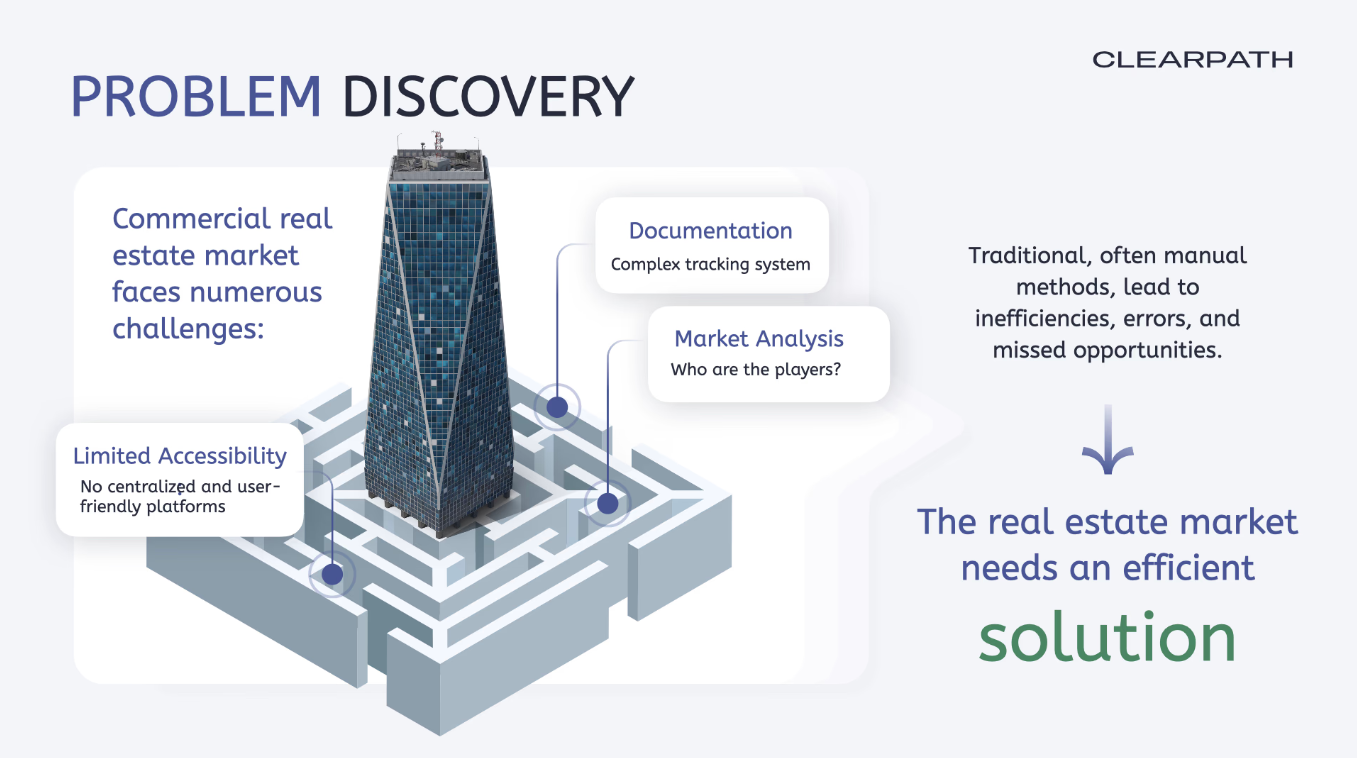
Communicate the main points of what you’re proposing and why it works.
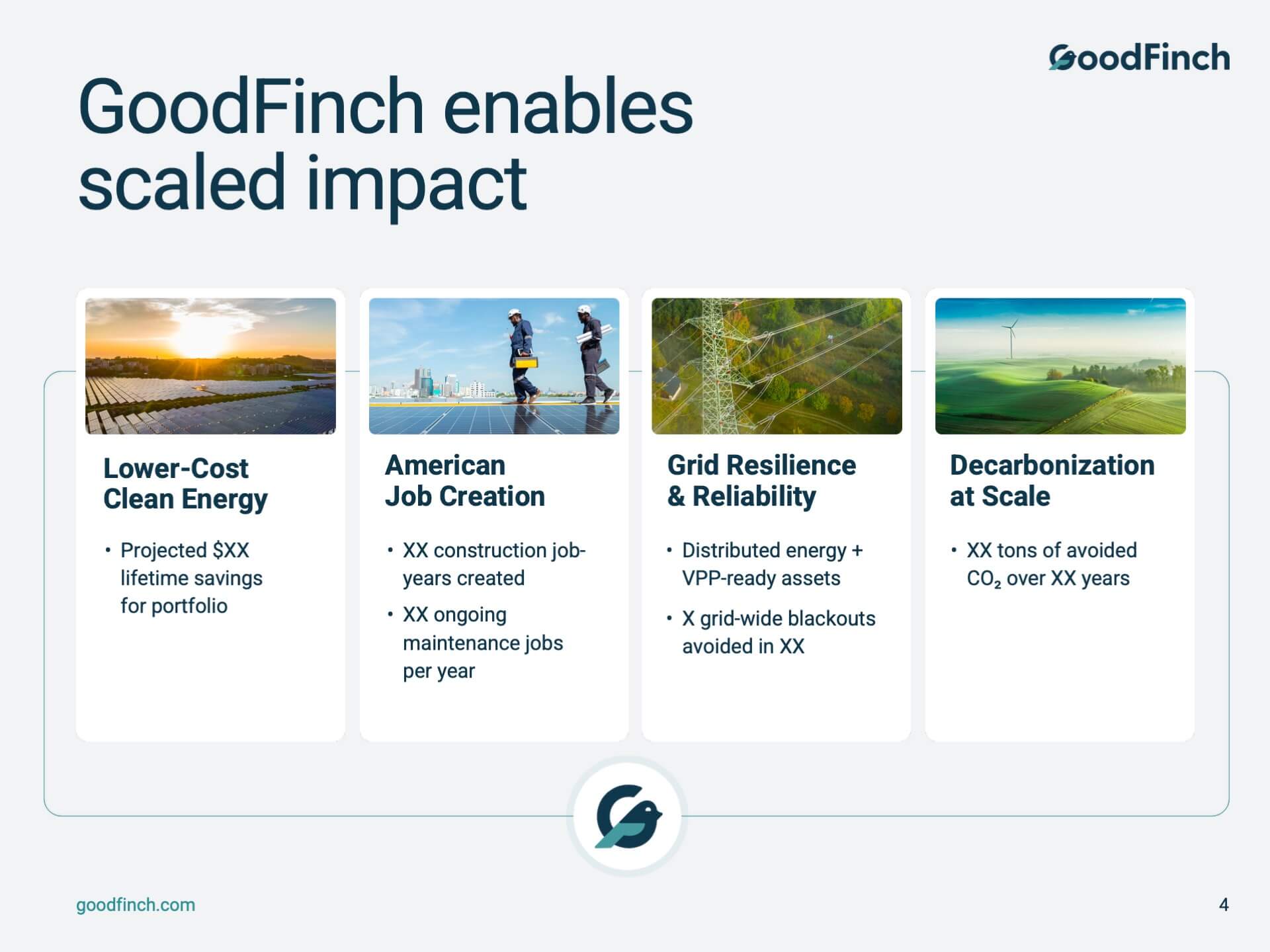
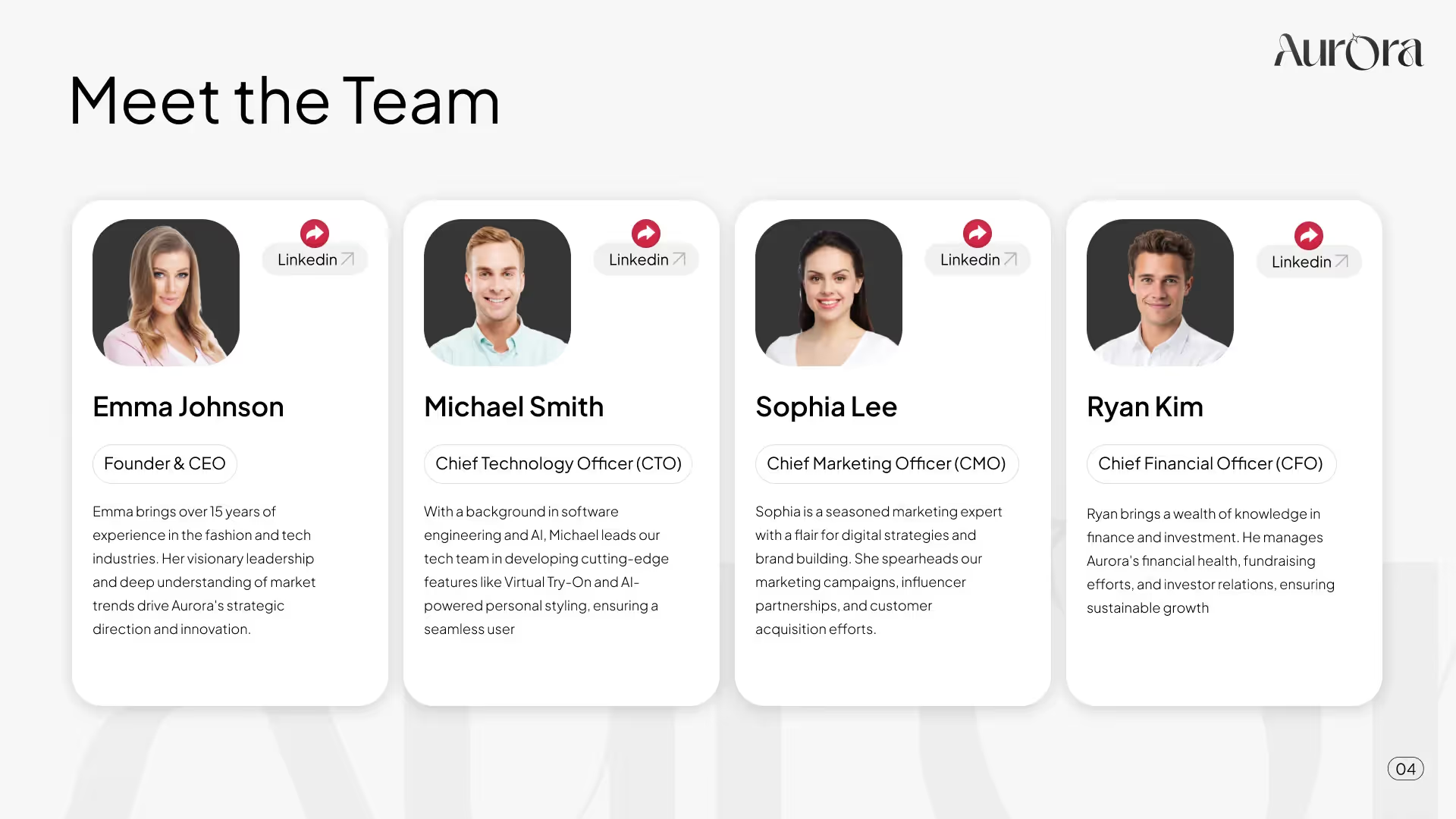
Show who any potential partners will be working with to instill confidence.
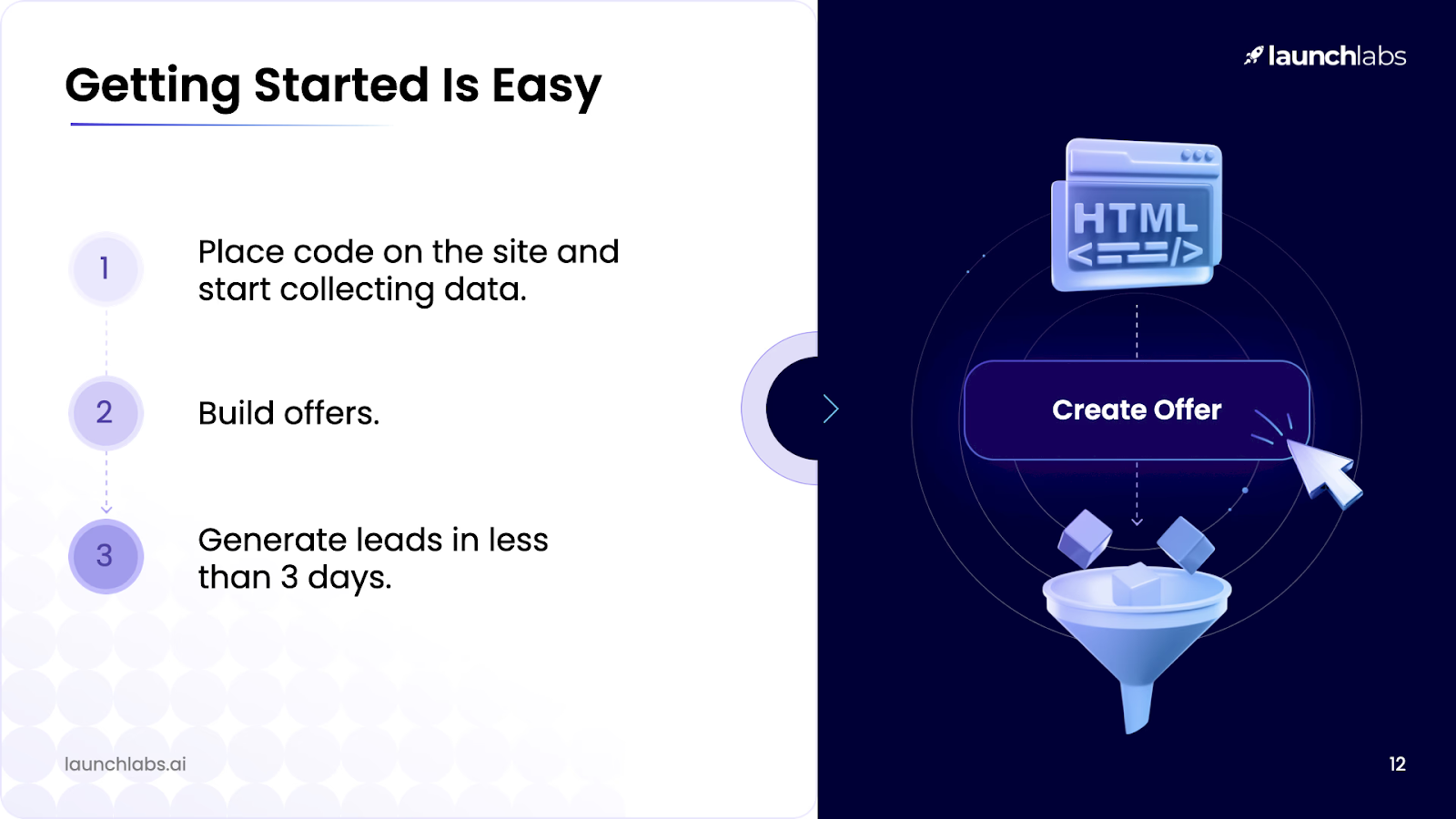
Don’t leave them guessing what happens next – clearly outline it. Make a clear ask for funding, or direct the audience to where to register or start a free trial.
This is a classic for a reason. It’s simple, yet effective. It’s best for presentations that need immediate clarity, like short talks.
Example: Today we’re talking about X because it strongly affects Y.
Example: Here’s what’s really going on, and why it’s more complex than it seems…
Example: If you remember one thing, let it be X.
When it’s time to persuade or convince, this is the one to use. It works well for everything from sales decks and pitches to internal strategy sessions.
The Problem
Example: Right now, doing X and Y is causing Z.
The Solution
Example: The solution is X, which works by Y.
The Proof
Example: Here’s the proof: X.
This is where your story (and your ability to tell it) takes center stage. It’s best for keynote speeches, brand narrative, leadership changes, and fundraising pitches. It’s great when you need a compelling way to achieve audience buy-in.
The Ordinary World
Example: At first, everything looked like X.
The Challenge + Transformation
Example: Then something happened that forced a change…
The Return With Insight
Example: Coming out the other side, we realized X.
Want a structure and slide template tailored to you and your topic? Our expertise can help.
Don’t forget that not everyone may be in the room when you deliver the presentation. Remote audiences can be even more challenging due to potential distractions. That’s why an engagement focal point is the best approach.
Before finalizing your presentation structure, optimize it. Consider hybrid setups with in-person and remote audiences, and do a quick double-check that it displays well across different devices. Use large text and clean, eye-catching visuals that work on any screen. Let’s quickly review the most popular tools to achieve this next.
Here’s how to choose between the two main options:
Use PowerPoint if you need:
Use Google Slides if you need:
Some might think a good presentation is fun or information-filled, but focusing on the wrong things can quickly deteriorate your central message. The key to narrowing your approach is a solid presentation structure and outline. That’s why it’s so important to learn how to structure a presentation before you dive in. With these tips in hand, you’ll find that the story tells itself. Well, almost.
If you can’t seem to get your outline finalized, we can help. Send your ideas or first draft, and we’ll turn it into an ideally-structured deck with clear key slides.


Relevance is key. Get them hooked right away with statements and slides that clearly show why the audience needs to care. Answer the question they might be asking: “Why does this matter to me?”
A good starting point is ten. Up to 15 often works, depending on your subject. Basically, keep it to as few slides as possible. Be strict with what you want to say to avoid watering down the main message. And each slide should be reserved for one idea.
Breathe. Rest assured that pretty much everyone gets nervous at one time or another. Your key to overcoming nerves is actually in your solid presentation structure – it’s a powerful tool. You’ll flow easily because the story is logical and well thought out. There’s real comfort in having a plan.


867 BOYLSTON ST
BOSTON, MA 02116


