






























.avif)

.avif)
.avif)

























Get a guide to creating pitch decks presentation


.png)

AI presentation makers have become popular for a simple reason: they remove the blank-slide problem. A prompt and a source document can now produce a complete-looking deck in minutes. For busy teams, that is an attractive shortcut.
Adoption has moved faster than confidence in the results. Microsoft and LinkedIn’s Work Trend Index found that 75% of knowledge workers use generative AI at work. Canva’s State of Visual Communication research found that organizations use an average of 8.7 visual communication tools, while 71% of business leaders worry they are overspending on tools that fail to deliver meaningful impact.
Presentations expose that gap quickly. An AI-generated deck may look polished while the story remains generic, the evidence is incomplete, the charts are difficult to edit, or the PowerPoint export requires extensive repair. These are common reasons teams generate an impressive first draft and still struggle to produce a file they can confidently present.
To examine that gap, Whitepage gave all eight tools the same high-level business brief and reviewed how each product handled story structure, visual hierarchy, editability, revision behavior, and export usability. The exercise was designed to reveal baseline capabilities and limitations, not to declare one universal winner. Factual grounding, brand fidelity, and chart choice are discussed as production requirements but were not scored because the baseline did not include the source and brand files needed to judge them consistently.
Whitepage perspective: With more than 12 years of presentation strategy and design experience, our team evaluates AI tools primarily by the quality of the final business deck. Generation speed and demo polish are secondary considerations.
The same failure patterns appear across the category: generic narratives, unsupported claims, repetitive layouts, static chart images, weak brand interpretation, fragile exports, and unpredictable prompt-based revisions. These problems form the basis of the comparison below.
The difficulty goes beyond visual polish. In the PPTC academic benchmark, the leading model reached 75.1% accuracy on single-turn PowerPoint tasks but only 6% across complete multi-step sessions. The benchmark examined language models. Its results support only the broader point that complex presentation workflows remain difficult to automate reliably.
We selected eight tools to cover the main workflows business teams encounter: native PowerPoint and Google Slides assistants, web-first generators, and design platforms with AI presentation features. The selection reflects workflow coverage and business relevance rather than a popularity ranking.
Whitepage editorial scores combine observations from the baseline exercise with current product documentation, published third-party hands-on tests, and recurring user and reviewer feedback. The score covers prompt adherence, executive narrative, content clarity, visual hierarchy, editability, revision behavior, and export usability. Because the baseline did not include a closed source pack or complete brand system, source-grounded accuracy, brand fidelity, chart-type accuracy, and measured cleanup time remain qualitative checks rather than scored dimensions.
The best AI for presentations depends on the final workflow. These products solve different parts of the process, so the most useful choice depends on where the deck will be built, edited, shared, and delivered. The Whitepage score is a directional editorial assessment based on the evidence described in this article, not a controlled laboratory measurement. Every high-stakes deck still needs human review.
Table note: Whitepage scores are directional editorial assessments based on the methodology described below; they are not laboratory measurements and remain separate from public user ratings. G2 ratings were checked on September 14, 2026. Treat small samples cautiously, and do not compare broad Canva, Gemini, or Microsoft Copilot ratings directly with presentation-only product profiles. The comments summarize recurring themes rather than individual quotations.
The summary below separates first-draft quality from downstream editing and export risk. Cleanup risk is qualitative because the baseline did not use a standardized timing protocol.
Pricing snapshot – checked September 9, 2026
Pricing changes frequently and may vary by region. Recheck every vendor page on the publication date; do not treat promotional pricing as a permanent list price.
A usable deck needs a coherent executive story, concise content, readable hierarchy, editable elements, and a reliable export.
We applied those criteria to all eight products while distinguishing our limited baseline exercise from published third-party testing and user feedback.
Speed is reported separately because a fast first draft can still lose time during cleanup, and published timing claims are not comparable when the underlying briefs and review standards differ.
Whitepage ran the same high-level prompt in all eight tools to observe baseline behavior: slide sequencing, default layouts, revision workflow, and editable-file output. The exercise was exploratory rather than a production benchmark.
The exact prompt was: 'Create a 10-slide executive growth strategy presentation from the attached source material. Audience: CEO, leadership team, and board observers. Use only the facts and numbers provided. Build a clear narrative from current performance to the growth constraint, then a three-part strategy, KPI impact, implementation timeline, and decision request. Keep one main message per slide, use editable charts where data is provided, and match the supplied brand. Do not invent market data, customer quotes, or financial results.'
No source pack, brand guide, approved presentation master, or verified dataset was attached to this baseline exercise. The references to “attached source material” and a “supplied brand” in the prompt were therefore unmet instructions, so the test could not validly measure source-grounded accuracy, brand fidelity, or chart-type accuracy. Those dimensions were excluded from the score. Follow-up prompts and cleanup time were not tracked under a fixed protocol, so revision behavior and time to a final file are discussed qualitatively rather than presented as directly comparable measurements.
A production-grade follow-up would assess every tool against the same closed source pack for a fictional B2B SaaS company. The pack would include a one-page company overview, a short strategy memo, approved metrics, brand colors and fonts, an approved PowerPoint master, and one logo file, allowing every factual and visual decision to be checked. Missing market statistics and customer claims would count as errors.
The follow-up benchmark would use a 10-slide executive growth strategy presentation for a fictional workflow-automation SaaS company. Its audience would be the CEO, leadership team, and board observers. The deck would have to explain current performance, identify the growth constraint, present a three-part strategy, show the expected impact, and end with a clear decision request.
Required slide jobs: title, executive summary, current performance, problem or constraint, strategy overview, three strategy pillars, KPI or forecast chart, implementation timeline, and conclusion / decision slide. The source pack should include at least one chartable data series so the test can distinguish editable data visualization from a static image that merely looks like a chart.
Use the following improved prompt in every tool: 'Create a 10-slide executive growth strategy presentation from the attached source material. The source pack contains the Northstar brand guide, an approved PowerPoint master, a one-page company brief, a strategy memo, a KPI spreadsheet, and the company logo.
Audience: the CEO, leadership team, and board observers.
Use only the facts, claims, and numbers contained in the source pack. If required information is missing, flag the gap clearly instead of estimating or inventing content.
Build a coherent narrative that moves from current performance and the primary growth constraint to a three-part growth strategy, expected KPI impact, implementation timeline, and a clear decision request.
Keep one main message per slide. Use specific, insight-led slide titles rather than generic section labels. Prioritize conclusions and business implications over descriptive summaries.
Where the source data supports a chart, visualize it using editable native chart elements. Keep all text, charts, shapes, and other presentation elements editable.
Follow the attached Northstar brand guide and approved PowerPoint master, including the defined typography, colors, layouts, and visual hierarchy.
Do not invent market data, customer quotes, financial results, benchmarks, or unsupported conclusions. Do not use decorative visuals that are unrelated to the business narrative.
Deliver the presentation as an editable PowerPoint file.'
Brand fidelity, source-grounded factual accuracy, and chart-type accuracy remain important procurement checks, but this test did not provide enough evidence to score them consistently. A production evaluation should repeat the comparison with real content, approved data, and complete brand materials. Generation and cleanup time remains a separate metric so speed cannot compensate for weak quality.
Each profile separates four evidence layers: the Whitepage editorial score, a public user rating, recurring themes in user reviews, and Whitepage's practical interpretation. Public ratings are shown as a separate signal and do not influence the Whitepage score. They are not directly comparable because sample sizes vary widely, and the Copilot, Gemini, and Canva ratings cover broader products rather than presentation features alone.
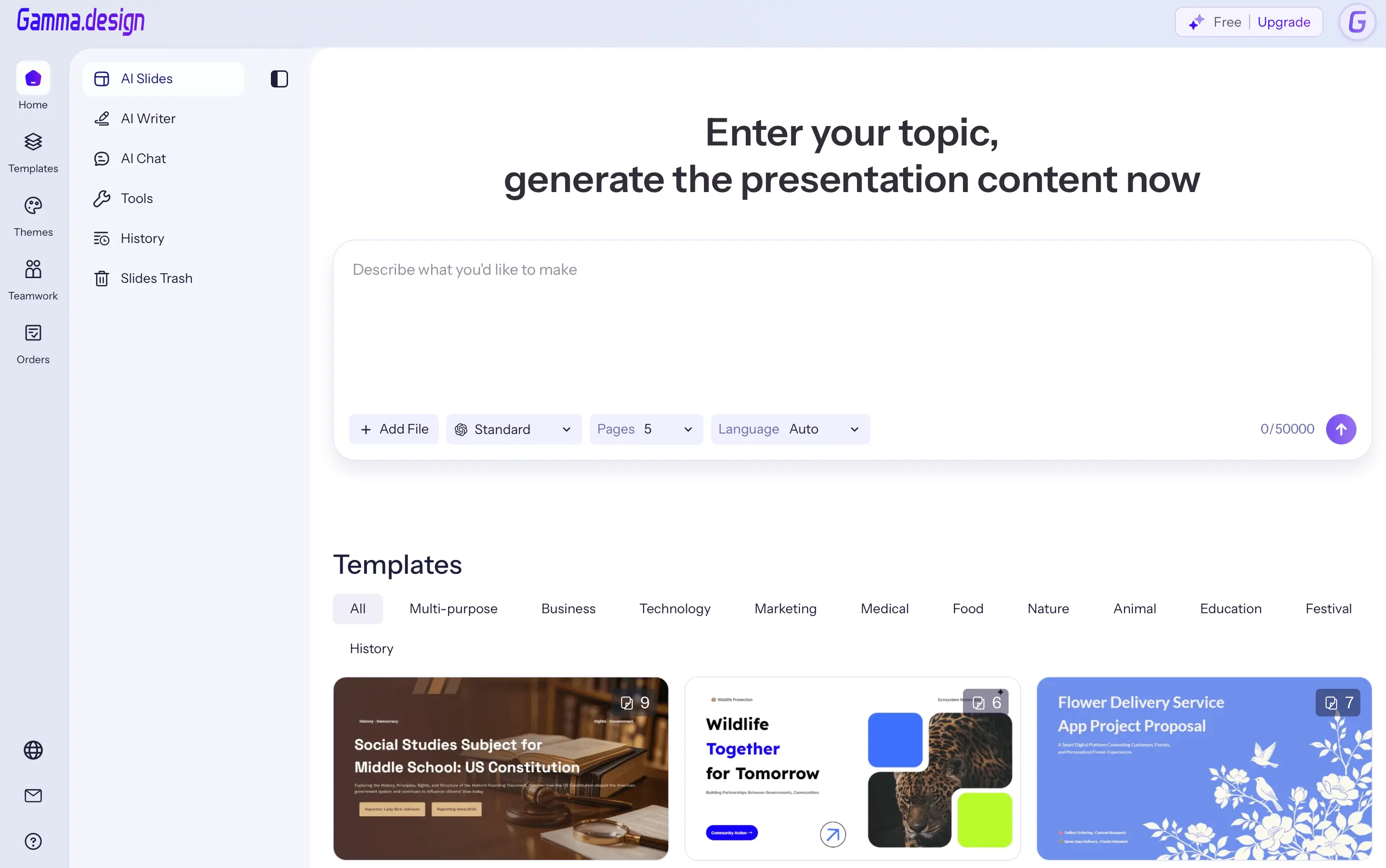
Whitepage score: 82/100.
Public user rating: 4.1/5 on G2, based on 26 reviews (checked September 14, 2026).
What users say: Users praise fast generation and strong visual first drafts. Fine-grained editing, image quality, and export control draw more mixed feedback.
Gamma's strongest advantage is the quality of the first visual draft. In the published third-party hands-on reviews, its outlines needed relatively little editing before generation, its copy and storytelling were stronger than most AI slide tools, and its AI image generation was consistently strong. That makes it effective when the final presentation will be shared as a link or presented inside Gamma.
The main workflow risk appears when the deck has to return to PowerPoint. One review reported elements shifting after export; another same-prompt comparison described overlapping boxes and missing fonts and estimated 30–45 minutes of cleanup. Those figures come from a competitor's benchmark, so they serve as a warning to test export fidelity. Whitepage does not use them as a direct product measurement.
Editing inside Gamma is flexible: the conversational agent can change copy, styles, or full sections, and manual element editing is available. In a production retest, the key questions would be whether data visuals remain editable after export and whether the web-native card logic survives fixed 16:9 slides.
Best use case: polished, web-first presentations and fast creative drafts. Main limitation: PowerPoint export may shift the cleanup burden to the end of the workflow.
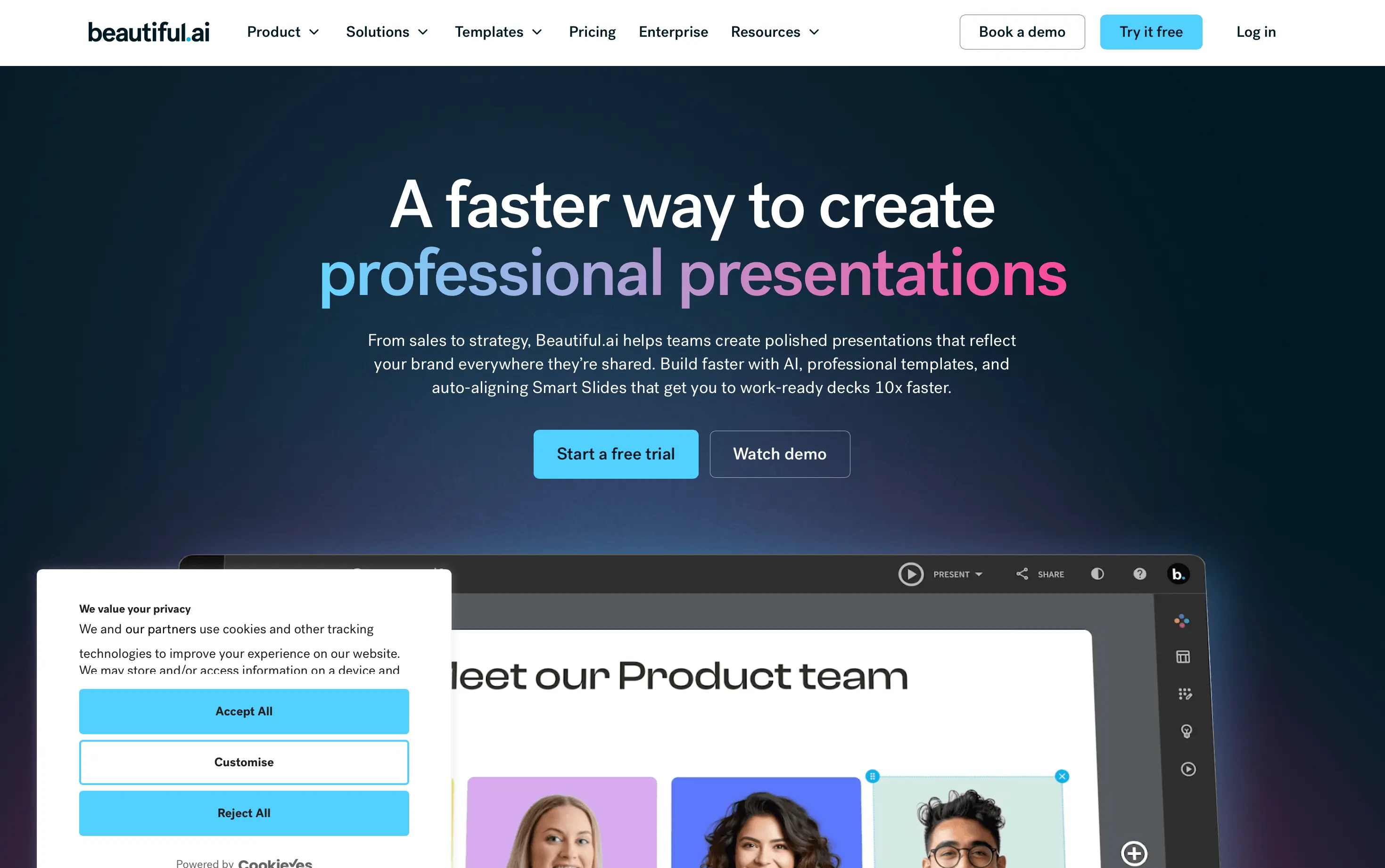
Whitepage score: 79/100.
Public user rating: 4.6/5 on G2, based on 197 reviews (checked September 14, 2026).
What users say: Users consistently praise ease of use and professional-looking layouts. Limited customization and PowerPoint export issues recur in negative feedback.
Beautiful.ai approaches the problem from the opposite direction: it starts with design guardrails. Smart Slides rebalance layout as content changes, which makes the visual system more consistent for non-designers and teams working from a defined brand. This is especially useful when slide-to-slide inconsistency across many contributors is the main risk.
The published third-party hands-on review found the generative copy relatively thin and the layouts repetitive after repeated use. AI editing is broad – copy rewrites, visual regeneration, slide creation, and layout swaps – but larger revisions can become granular because changes may need to be made block by block. That suggests strong production consistency but less freedom when the content needs a custom visual solution.
Beautiful.ai supports PowerPoint import and export on paid plans. Teams should check whether Smart Slide logic becomes ordinary editable shapes after export, whether charts stay usable, and how much manual repair is needed when the deck leaves the platform.
Best use case: brand-consistent team decks built inside a controlled design system. Main limitation: guardrails can become repetitive or restrictive.
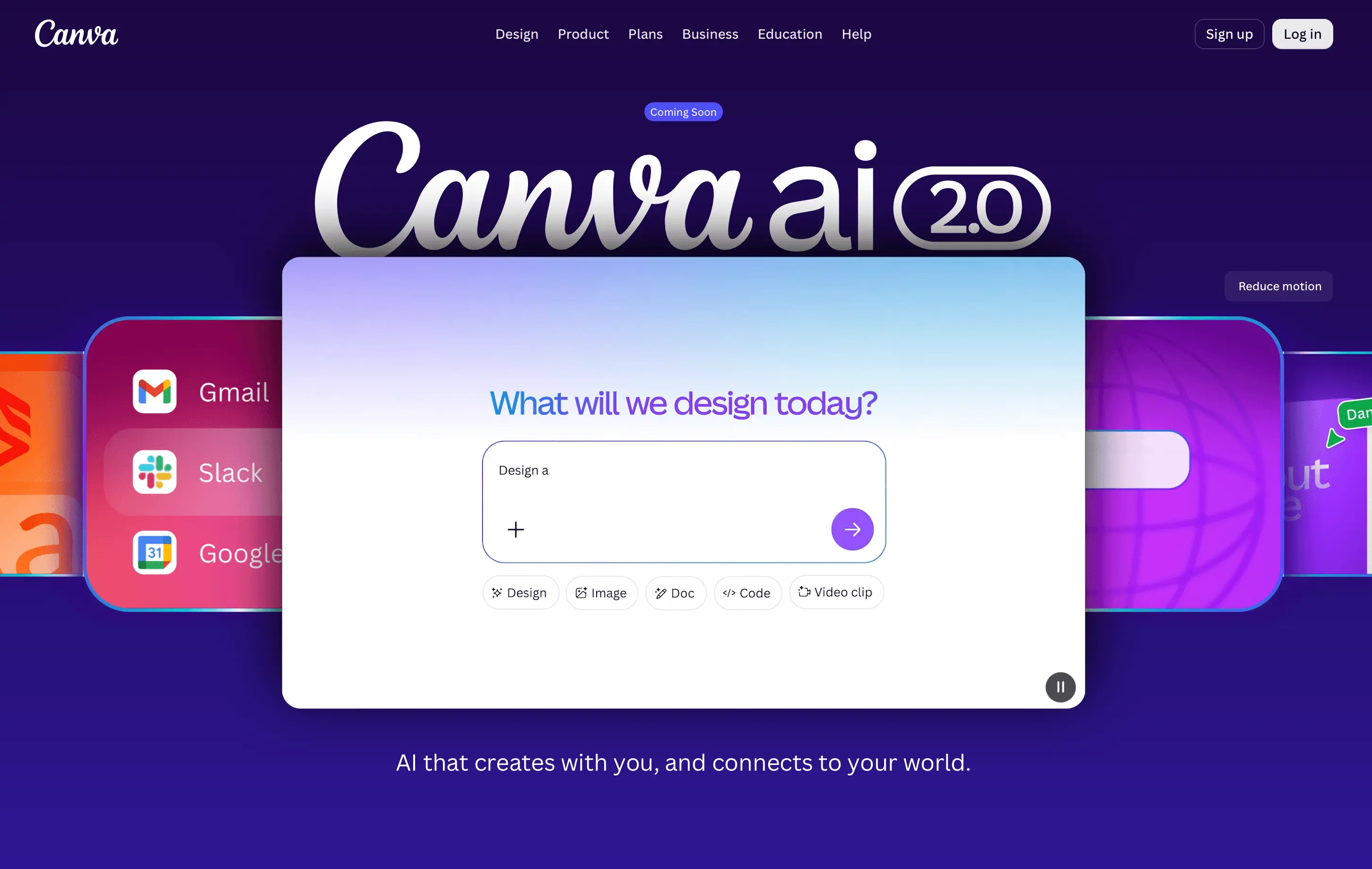
Whitepage score: 76/100.
Public user rating: 4.7/5 on G2, based on 7,693 reviews (checked September 14, 2026; rating covers Canva overall).
What users say: Users praise the accessible editor, large template library, and AI tools. Larger files can slow down, while advanced customization remains limited.
Canva AI benefits from a mature design ecosystem: templates, Brand Kit, stock assets, collaboration, Magic Design, and AI media generation all live in the same workspace. The official Canva documentation describes Magic Design as a starting point that suggests presentation layouts from your text, images, or ideas and lets you apply a Brand Kit. In the published third-party hands-on test, visual quality was the clear strength, with coherent color systems and strong AI imagery.
The trade-off is that Canva remains a broad design platform rather than a presentation-first reasoning system. Published testing found the generative copy weaker than the visuals and required more fine-tuning. A separate same-prompt test reported that PowerPoint exports were usable but complex layouts could shift, with an estimated 20–30 minutes of cleanup in that test.
Canva should be judged on more than visual polish. Narrative structure, chart editability, and export fidelity matter just as much. If the deck stays in Canva or ends as a PDF, its value proposition is different from a workflow where a client expects a fully editable PPTX.
Best use case: design-first teams already working in Canva. Main limitation: more manual narrative work and possible PPTX cleanup.
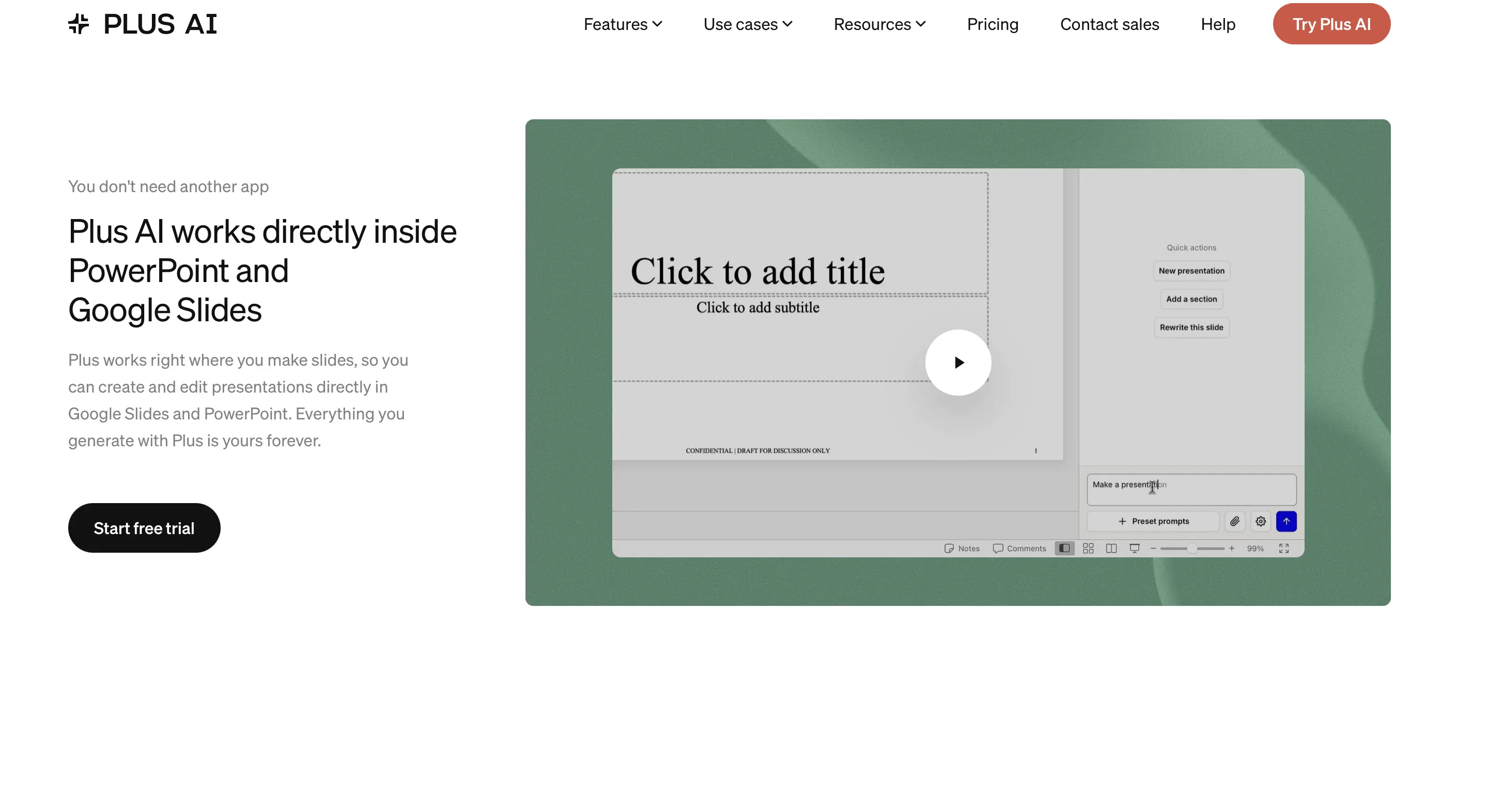
Whitepage score: 85/100.
Public user rating: 3.2/5 on G2, based on 5 reviews (checked September 14, 2026; very small sample).
What users say: Positive reviews emphasize ease of use, time savings, and the native workflow. Negative reviews criticize support, generation consistency, and template limitations.
Plus AI is designed around native presentation workflows rather than a separate web canvas. It generates in Google Slides and PowerPoint, supports prompt or file-based creation, and its editing tools include slide remixing, rewriting, and agent-style full-deck requests. The published third-party hands-on review also highlights fully editable charts linked to Google Sheets or Excel, which is especially important for business decks that will be updated after generation.
That native-file approach removes a major risk: the final artifact already lives where many teams need it. The likely trade-off is visual distinctiveness. Web-native tools can take more design liberties because they control the rendering environment; a native PowerPoint or Slides generator has to work inside more conventional slide structures.
For business use, check whether Plus AI follows the source pack closely, whether deck-wide edits preserve context, and whether a brand template can be applied without creating repetitive layouts. As of September 9, 2026, its Basic plan starts at $10 per user per month when billed annually, and paid plans begin with a seven-day trial.
Best use case: teams that need editable PowerPoint or Google Slides from the start. Main limitation: it is likely to feel less visually experimental than web-first tools.
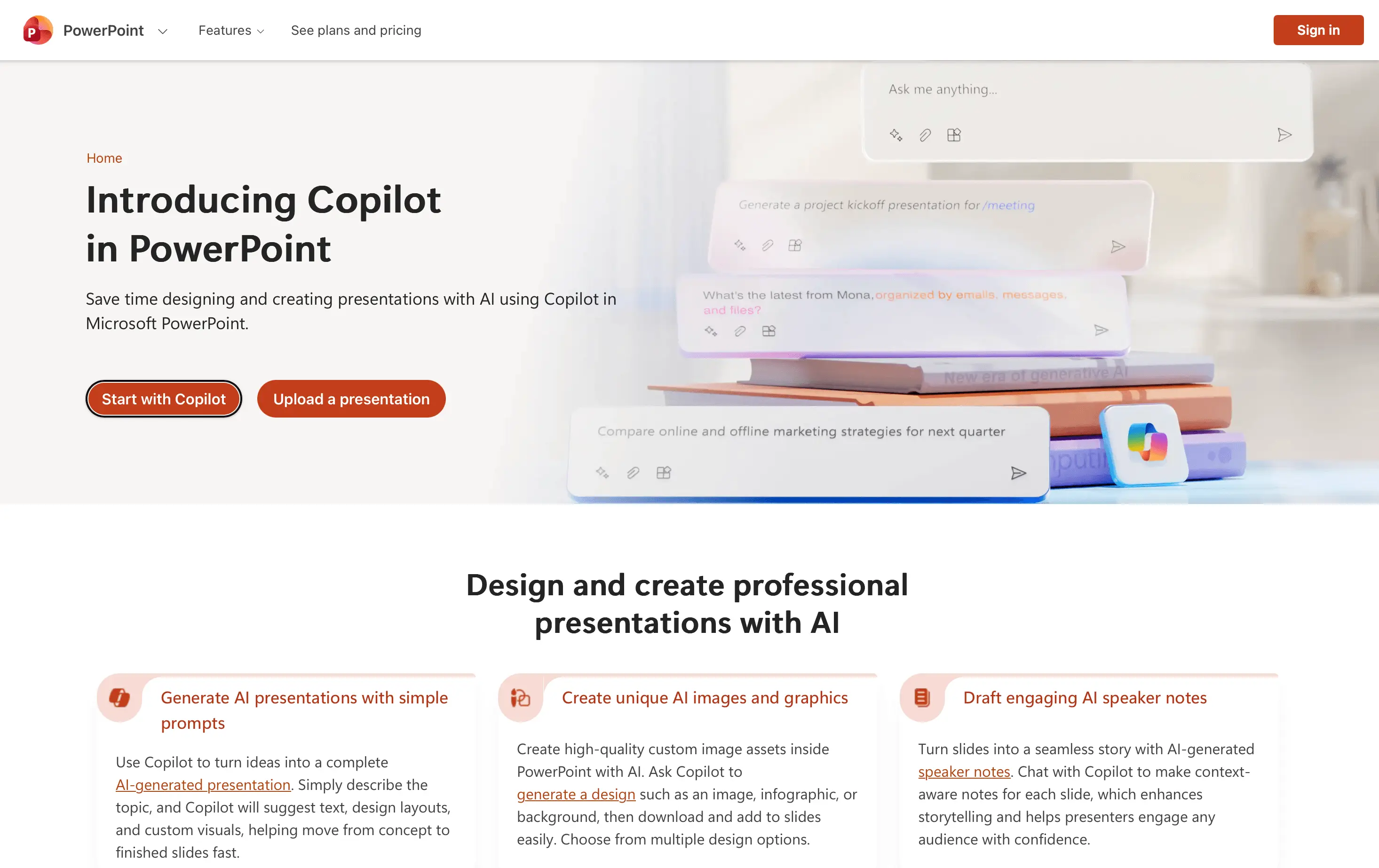
Whitepage score: 80/100.
Public user rating: 4.4/5 on G2, based on 360 reviews (checked September 14, 2026; rating covers Microsoft Copilot overall, not PowerPoint alone).
What users say: Users value Microsoft 365 integration and productivity gains. Generic output and context loss remain recurring concerns.
Copilot's advantage is structural: it is already inside PowerPoint. Microsoft currently supports generating presentations from a prompt and from reference files, reviewing an outline, editing the result conversationally, and starting from an organization's presentation template so Copilot can reuse existing layouts and theme choices. That removes export conversion completely.
The published third-party hands-on test was more mixed. It described coherent output from short prompts but also inconsistent templates, lost context during editing, and situations where manual PowerPoint edits were faster than continuing to prompt Copilot. This is an important distinction: native format does not guarantee low cleanup if the underlying design decisions are generic or prompt editing is unpredictable.
For enterprise users, access to organizational files and Microsoft Graph can be more valuable than winning a pure design contest. Pricing is more complex than a standalone presentation app because Copilot requires a qualifying Microsoft 365 plan. As of September 9, 2026, Microsoft lists the business add-on at a promotional $18 per user/month with annual billing (regular list price $21) and enterprise Microsoft 365 Copilot at $30 per user/month paid yearly.
Best use case: Microsoft 365 organizations where staying in PowerPoint is non-negotiable. Main limitation: design quality and edit reliability can require manual intervention.
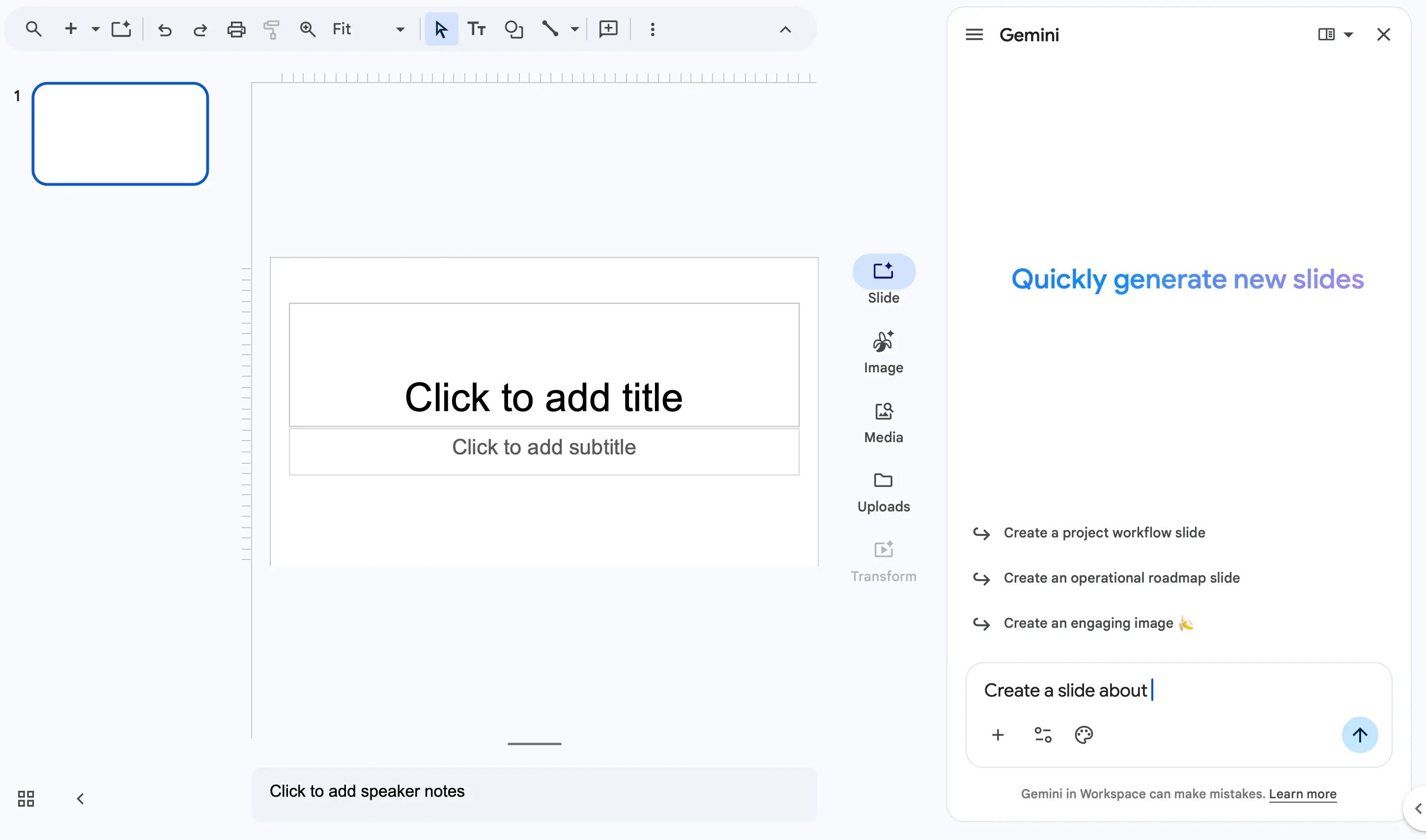
Whitepage score: 77/100.
Public user rating: 4.4/5 on G2, based on 426 reviews (checked September 14, 2026; rating covers Gemini overall, not Google Slides alone).
What users say: Users value Google integration and fast responses. Generic answers, inaccuracies, and difficulty with complex requests appear repeatedly.
Gemini has become a more serious Google Slides option because Google now supports generating fully editable presentations directly in Slides. Users can describe the topic and goals, add Drive sources, reference web or Workspace content, and match the style of an existing deck. That gives Gemini a strong source-grounding and workflow advantage for teams already working in Google Workspace.
In the published third-party hands-on review, detailed slide-by-slide prompts worked well and copy density was controllable. Shorter prompts were less reliable: the output drifted toward long bullet lists and weaker illustrations. The most important limitation for business presentations was data visualization – the test reported that Gemini often defaulted to images rather than editable charts, reducing the value of the deck when numbers change.
For Gemini, the decisive issue is the quality of its information-design choices. Google says the current feature produces fully editable presentations, yet a slide can still be technically editable while the core chart or graphic is flattened as an image.
Best use case: Google Workspace teams building from Drive, Gmail, Chat, the web, and supported reference files. Main limitation: visual reasoning and editable data visualization need close review.
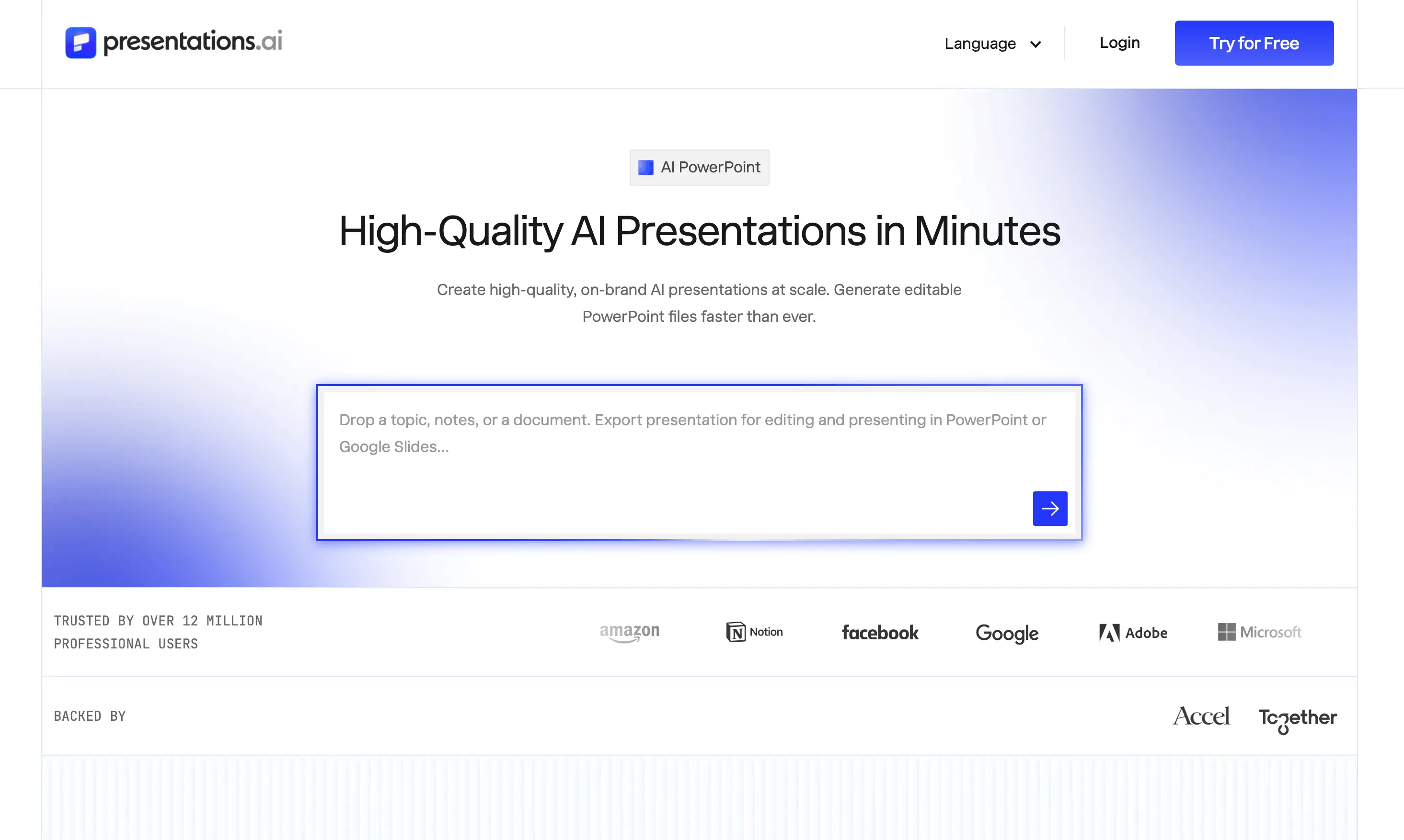
Whitepage score: 78/100.
Public user rating: 4.2/5 on G2, based on 9 reviews (checked September 14, 2026; very small sample).
What users say: Reviewers highlight fast generation, modern layouts, and usable data visuals. The sample is too small to establish fine-grained editing reliability.
Presentations.ai is purpose-built for rapid deck generation with design guardrails. The published third-party hands-on review found that it produced solid first drafts, good presentation design, useful data visualizations, and strong AI images. Its current Pro plan explicitly includes high-quality PowerPoint export and brand customization.
The main uncertainty is editing. One hands-on review found its one-click presets useful for tightening or expanding copy, but noted that edits regenerated the entire slide instead of targeting one text box or image, and there was no conversational editing agent in that test. By contrast, Presentations.ai's own same-prompt benchmark ranked its output very highly and estimated only 5–10 minutes of cleanup. Because that benchmark is published by the vendor itself, treat the claim as directional rather than independent proof.
This distinction matters: a tool can look excellent in a first-draft table but still lose time if small edits have large side effects. Before adoption, test whether one chart, one headline, and one brand detail can be corrected without disturbing unrelated elements.
Best use case: fast business drafts where a structured, brand-applied first version matters. Main limitation: fine-grained editing behavior needs independent validation.
Whitepage score: 65/100.
Public user rating: 4.5/5 on G2, based on 6 reviews (checked September 14, 2026; very small sample).
What users say: Reviewers praise speed, ease of use, and native integrations. Manual resizing and generic slide design remain recurring concerns.
SlidesAI has a practical positioning: it converts text and documents into slides across Google Slides, PowerPoint, ChatGPT, and the web, and it offers a free plan. The workflow asks for audience, tone, and image frequency and includes review stages for the outline and copy before generation. In principle, that should reduce errors before layout is created.
The published third-party hands-on test found the opposite in several decks: repeated or missing slides, overlapping text, content bleeding off the slide, and poor AI images. That does not mean every SlidesAI deck will fail, but it makes output consistency the central adoption question. A good review workflow only creates value if the final slide construction respects the approved content.
As of September 9, 2026, SlidesAI lists a free Basic plan and a Pro plan at $10/month billed annually, with higher input limits and document upload on paid tiers. That makes it accessible for occasional use, but the real cost is still the cleanup time after generation.
Best use case: low-cost native slide generation and outline-to-deck workflows. Main limitation: output reliability in the published hands-on test.
A controlled screenshot comparison would require the same complete source pack and equivalent finished slide jobs from every tool; the baseline did not meet that standard. The article therefore does not present an artificial visual ranking. Instead, the evidence points to four slide types that reveal the most meaningful differences in narrative clarity, visual hierarchy, data handling, and editability.
Opening slide: The strongest outputs establish the decision or topic immediately and create an appropriate level of visual energy for an executive deck. Weaker versions rely on a striking image while leaving the headline generic or the layout disconnected from the source material.
Strategy or process slide: Stronger outputs show hierarchy and relationships among the strategy pillars. Weaker versions place three text boxes next to one another without making sequence, ownership, or cause and effect visible.
Data visualization: The decisive distinction is whether the chart type answers the business question, emphasizes the main takeaway, matches the approved values, and remains editable. A static AI-generated chart image is less useful than a clean native chart when the underlying data must be reviewed or updated.
Conclusion or CTA: Stronger outputs land the argument, connect the strategy to the business outcome, and state the requested decision or next step. Generic 'Thank you' slides do not perform that job.
For the final editorial analysis, apply the same principles Whitepage uses in its guide to visual storytelling techniques: visuals should carry meaning and justify their place in an AI-generated layout.
The early summary identified the recurring failure patterns. This section shows how each one appears in practice and what a human reviewer still needs to catch.
The category has improved quickly, but the same failure patterns keep appearing across the published tests. They matter because they are easy to miss when a deck looks polished on first inspection.
These are also the reasons a polished AI deck can still repeat common presentation design mistakes. Automation removes formatting work while leaving information prioritization to a human reviewer.
For pitch decks specifically, Whitepage has already covered why AI-generated pitch decks fail when the tool substitutes generic structure for investor-specific reasoning.
Choose the tool around the final workflow, required file format, and editing environment. Product demos rarely reveal the full cleanup burden. The file format, editing environment, source material, brand constraints, and collaboration model determine which weaknesses are acceptable. Use the table below as a shortlist, then test the top two options with one real brief from your team.
If you want to make a presentation with AI without creating more cleanup, the input and review process matter as much as the tool. A weak prompt forces the AI to invent structure; a strong source pack gives it boundaries.
If you prefer to build the reasoning separately and use AI only as a production assistant, Whitepage's guide to how to use ChatGPT in pitch deck design shows where language-model assistance is useful and where it should stop.
Not reliably for every presentation. AI can replace a large share of repetitive production work: starting from a blank slide, converting source material into an outline, producing layout options, applying a theme, resizing elements, rewriting copy, and creating early visual directions. That is meaningful time savings.
The remaining work is disproportionately important. Someone still has to decide what the story is, which evidence matters, whether a chart communicates the right comparison, whether the brand treatment feels credible, and whether the final slide supports the business decision. Those are judgment calls rather than formatting tasks.
This is also why an AI presentation design system is more valuable than a prompt library alone: automation works better when narrative rules, brand logic, approved components, and review standards are defined before generation.
For teams producing many decks, AI presentation design templates can reduce variation and give AI a stronger visual starting point, but the output still needs human review for meaning and accuracy.
Yes, when they shorten the path to a usable deck rather than merely shifting the work. The current evidence suggests that different tools save time in different places. Gamma can compress the creative first draft. Plus AI and Copilot reduce file-conversion friction. Gemini reduces source-gathering friction inside Google Workspace. Beautiful.ai reduces layout decisions. Canva reduces asset and brand-production work. Presentations.ai emphasizes fast, structured business drafts. SlidesAI lowers the entry cost for native slide generation.
The deciding metric should be total time to a trustworthy final file. If the presentation is low-stakes and the deck will stay in the tool, an AI-first workflow can be very efficient. If the deck is investor-facing, board-level, data-heavy, or tightly branded, cleanup and review become part of the real cost. In those cases, manual design or professional presentation work can still be faster than repairing an AI draft that chose the wrong story or flattened the wrong chart.
There is no universal winner. The useful conclusion is a workflow map: which tool is strong for a specific job, what work it removes, and what work it leaves behind. For a serious buying decision, a controlled source-pack comparison of the top two candidates remains the most reliable way to confirm fit. Product demos help with discovery; the exported files reveal the editing and export problems that matter in production.


There is no universal best tool. Plus AI is the strongest fit for editable PowerPoint and Google Slides workflows; Copilot suits Microsoft 365 organizations; Gemini fits Google-native work; Gamma is strong for polished web-first decks; Beautiful.ai provides design guardrails; Canva serves teams already in its ecosystem; Presentations.ai supports fast business drafts; and SlidesAI offers low-cost native generation with a greater consistency risk.
Yes, but editability varies. Some tools generate directly inside PowerPoint or Google Slides, while others export from a proprietary canvas. A PPTX file can open successfully and still contain flattened images, shifted layouts, or charts that are no longer connected to editable data. Test the exported file before calling the presentation fully editable.
Native PowerPoint workflows have the structural advantage because they avoid conversion. Copilot creates inside PowerPoint, and Plus AI also works directly in PowerPoint. Presentations.ai's current Pro plan advertises high-quality PowerPoint export. Web-native products such as Gamma can export to PPTX, but published hands-on reviews report more cleanup risk. If export fidelity matters, compare the same deck in the desktop PowerPoint version your team actually uses before choosing a tool.
They can be, but accuracy should never be assumed. A tool may paraphrase source material incorrectly, combine unrelated facts, infer missing information, or search the web and add claims that were not approved. For business presentations, require a closed source pack when possible and verify every number, quote, market claim, and conclusion before presenting.
Many can apply brand colors, fonts, logos, or existing templates, but brand fidelity is not binary. A tool may reproduce the palette while missing spacing, typography hierarchy, chart conventions, image treatment, or the tone of the brand. The best test is to compare equivalent slides against an approved human-made deck and check whether the AI followed the system rather than merely copying surface colors.


867 BOYLSTON ST
BOSTON, MA 02116


